Unscene
A Chrome extension that removes the people and topics you don't want to see from every website, faces included.
- TypeScript
- WXT
- Chrome MV3
- Vitest
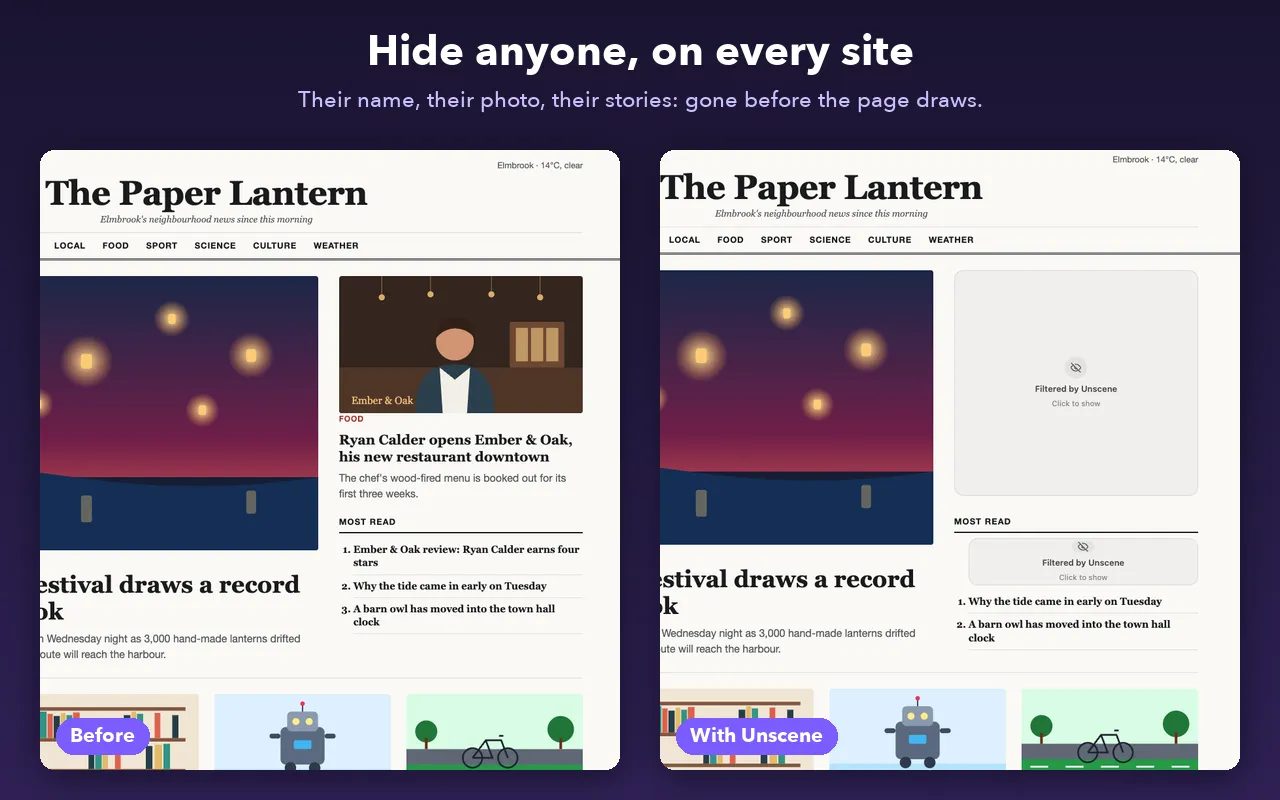
Submitted to the Chrome Web Store, waiting for review.
What it is
Add a person, and every story naming them, in the text, captions or image descriptions, is removed before it’s drawn. Teams and events work too: hide your club for a month after a lost final. Hide something for good or until a date, after which it switches itself back off, or select a name on any page and hide it from the right-click menu. You choose how each one disappears:
- Placeholder: a quiet “Filtered by Unscene” box you can click to peek.
- Vanish: gone, and the page closes the gap.
- Replace: a kinder note or a picture you pick.
- Mock: the story stays, the photos are blurred and the name becomes a joke one.
- Good news: a real, uplifting headline in the story’s place, styled like the site it’s on. Today the headlines come from Good News Network; next they come from Small Wins, my own good-news site.
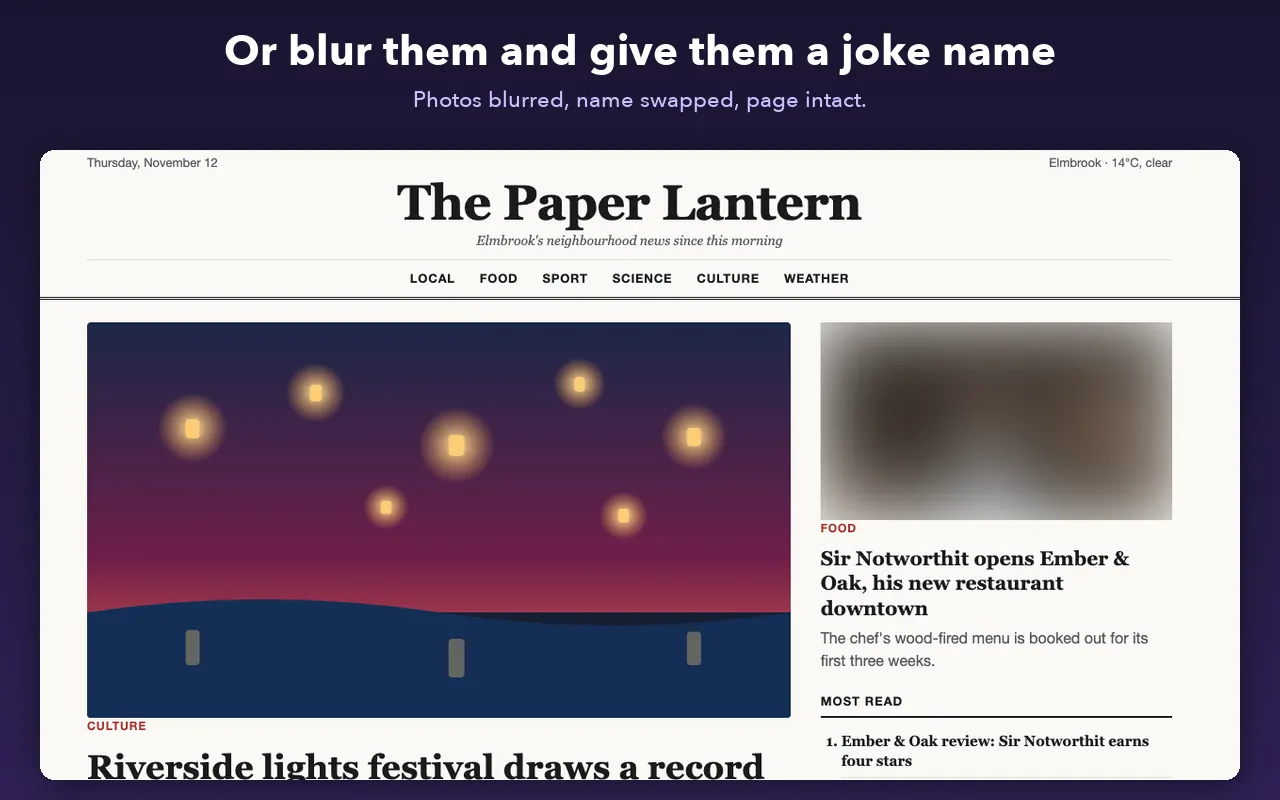
What’s interesting
- Filtering before paint. Matching runs as the page renders, so the thing you didn’t want to see never flashes.
- Cards that blend in. The good-news card copies the host page’s fonts and colours but is sealed off from its CSS, so it looks native on any site without the site breaking it.
- Per-site rules. Domains, subdomains or regular expressions turn it off where you want, and a shortcut pauses it everywhere.
- AI without an API key. A “copy prompt” flow lets any AI chat fill in nicknames, which are then used for matching.
- Private by design. No account, no server, no analytics. Good news headlines download once a day with no cookies and nothing about you, and photos load with no referrer. The full privacy policy lists every request it makes.